Church Website Software: Features That Matter Before Launch
A practical guide to choosing church website software for sermons, events, giving, member communication, administration and mobile visitors.
Dev Web
Software Architect & DevWeb Themes Contributor
A church website serves several audiences at once: first-time visitors, members, ministry leaders, donors and administrators. The right system should make common tasks simple without forcing every volunteer to become a web developer.
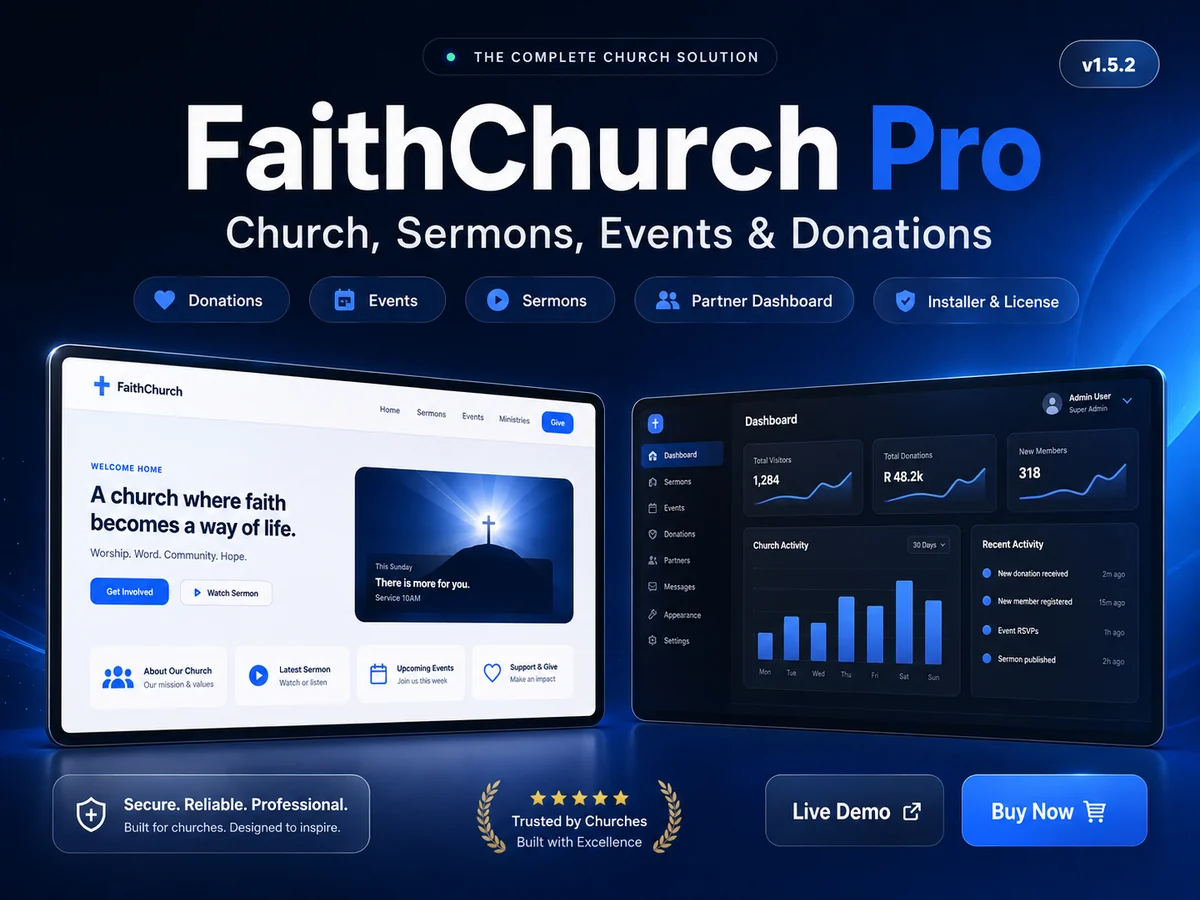
FaithChurch Pro combines a public church website with administrative tools. This checklist helps ministries evaluate it—or any church website platform—against real operational needs.
Make visitor information immediate
A first-time visitor usually needs service times, location, contact information and an explanation of what to expect. Those details should be visible on mobile without searching through several pages.
Keep addresses and schedules in one managed source so changes appear consistently. If the ministry has multiple locations, label each location clearly and avoid mixing service times.
Treat sermons as structured content
A sermon archive should support titles, speakers, dates, series and media. Visitors need a predictable way to find recent messages and browse older teaching.
Before launch, test audio and video behavior on mobile networks. Provide meaningful titles and descriptions rather than relying only on embedded media. Text context helps people decide what to watch and helps search engines understand the page.
Coordinate events responsibly
Event pages should state the date, time, venue, audience, cost and registration process. Expired events should not remain prominent as though they are upcoming.
Administrators need simple publishing controls and clear status indicators. If registrations collect personal information, gather only what is necessary and explain how it will be used.
Review online giving carefully
Giving is a high-trust workflow. Use an established payment provider, HTTPS and server-side payment confirmation. The website should never ask administrators or members to send card details in ordinary messages.
Display the ministry’s legal name, contact details and refund or correction process. Test sandbox payments, failed payments, duplicate notifications and receipts before enabling live transactions.
Plan member communication
Announcements and messages should have an accountable sender and a clear audience. Avoid sending every update to every member. Permission controls should separate content editors, finance users and system administrators according to responsibility.
Email delivery also needs monitoring. Configure a reputable mail service, verify the sending domain and provide a way for recipients to manage optional communications.
Protect administrative access
Require strong passwords and use multi-factor authentication where available. Remove accounts when responsibilities change. Review permissions regularly instead of giving every volunteer full administrative access.
Back up both files and the database. Keep one backup outside the live hosting account and perform a test restoration before relying on the process.
Check accessibility and mobile quality
Use readable text sizes, sufficient contrast, descriptive image alternatives and clearly labeled forms. Navigation must work by keyboard as well as touch. Important information should remain understandable without relying on color alone.
Test the site on a small phone, a larger tablet and a desktop. A responsive screenshot is useful, but completing real tasks is a better test.
Prepare a sustainable publishing process
Decide who owns each section, who approves changes and how often information is reviewed. A smaller accurate website builds more trust than a large site filled with expired events and incomplete pages.
Create an launch checklist covering domain settings, SSL, backups, email, payments, analytics, privacy information and staff training. Document the process for future volunteers.
Explore FaithChurch Pro’s features, demonstration and buyer documentation and compare them with your ministry’s actual publishing and administration workflow.