Beat Store Website Script: A Buyer’s Technical Checklist
What producers and music businesses should verify before choosing a self-hosted beat store or music marketplace script.
Dev Web
Software Architect & DevWeb Themes Contributor
A beat store is more than a music-themed homepage. It has to help listeners discover tracks, help producers manage a catalog and help the business deliver purchases reliably. When comparing a hosted service with a self-hosted script, evaluate the full operating system behind the storefront.
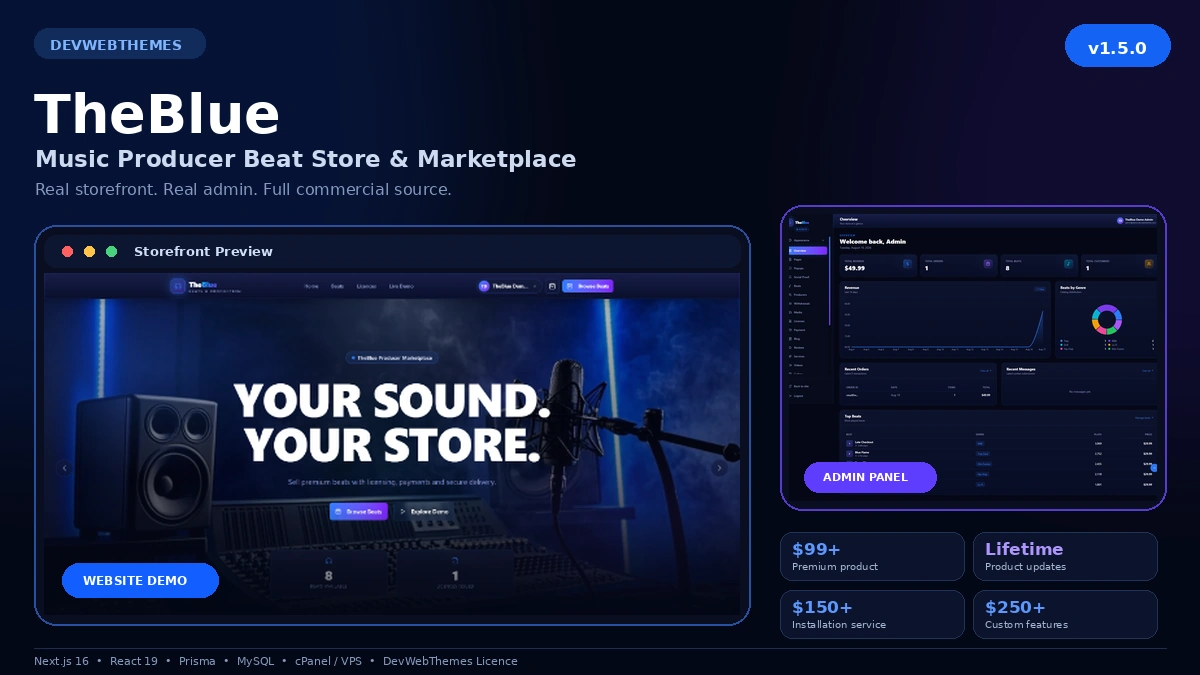
TheBlue is DevWeb Themes’ self-hosted beat store and music producer marketplace. Use this checklist to decide whether it matches your business requirements.
Define your marketplace model
First decide who can publish music. A single-producer store has simpler permissions and payouts. A multi-producer marketplace needs creator onboarding, roles, catalog controls, reporting and a clear process for handling disputes.
Also decide what you are selling: non-exclusive licenses, exclusive licenses, downloadable audio, subscriptions or a mixture. The software, legal terms and payment flow must agree with that model.
Examine music discovery
Buyers should be able to search and browse without fighting the interface. Check genre, mood, price and creator discovery where those fields apply. Track cards should expose the information a buyer needs to decide what to play next.
Test playback on a mobile connection. Audio controls must remain understandable on small screens, and the page should not download unnecessarily large files before a listener presses play.
Verify catalog management
Producers need a practical way to add titles, artwork, audio previews, prices and licensing information. Validation should prevent incomplete or dangerous uploads. The dashboard should explain whether an item is pending, published, rejected or archived.
For a marketplace, confirm that administrators can moderate creators and listings. Audit trails and clear status changes help support teams investigate problems later.
Understand license delivery
The buyer must know exactly what each license permits. Terms should be visible before payment and associated with the completed order. Download access should be controlled by the server rather than exposed through permanent public file URLs.
Test what happens when a payment is cancelled, duplicated or refunded. A secure system should not grant a paid download merely because a visitor reaches a success page.
Review payment options
Choose gateways that serve your customers and settlement country. TheBlue offers optional integrations for Stripe, Paystack, Flutterwave and PayFast.
Each gateway requires its own approved merchant account and credentials. Keep secret keys server-side, verify webhook signatures and test in the provider’s sandbox before enabling live payments.
Test user accounts and communication
Registration, login, password reset and email verification should be clear on mobile. If social sign-in is important, review the Google Login add-on and confirm the required Google configuration.
Transactional emails should identify the store and explain the next action. Consistent branding builds confidence after checkout; the Email Branding add-on is designed for this part of the customer journey.
Plan hosting and maintenance
Self-hosting gives you control, but it also gives you responsibility. Confirm PHP and database versions, storage requirements, scheduled jobs, backups, email delivery and SSL. Use staging for updates and keep a restorable database and file backup.
Monitor failed jobs, payment webhooks and application errors. Apply framework and dependency security updates according to the product’s release instructions.
Make the purchase decision
Choose a script when its documented workflow matches your business, not because every optional feature is enabled on day one. Start with the core sales journey, test it completely and add integrations as your audience requires them.
Review TheBlue’s product details and live demonstration, then compare the documented server requirements with your hosting environment before purchase.